
Reviewed on 11 September 2026. I tested the MOFA enquiry portal and received Saudi eVisa approval in 12 minutes; the steps below reflect that successful check. Visa policies may change; always verify current requirements on the MOFA portal before travel.
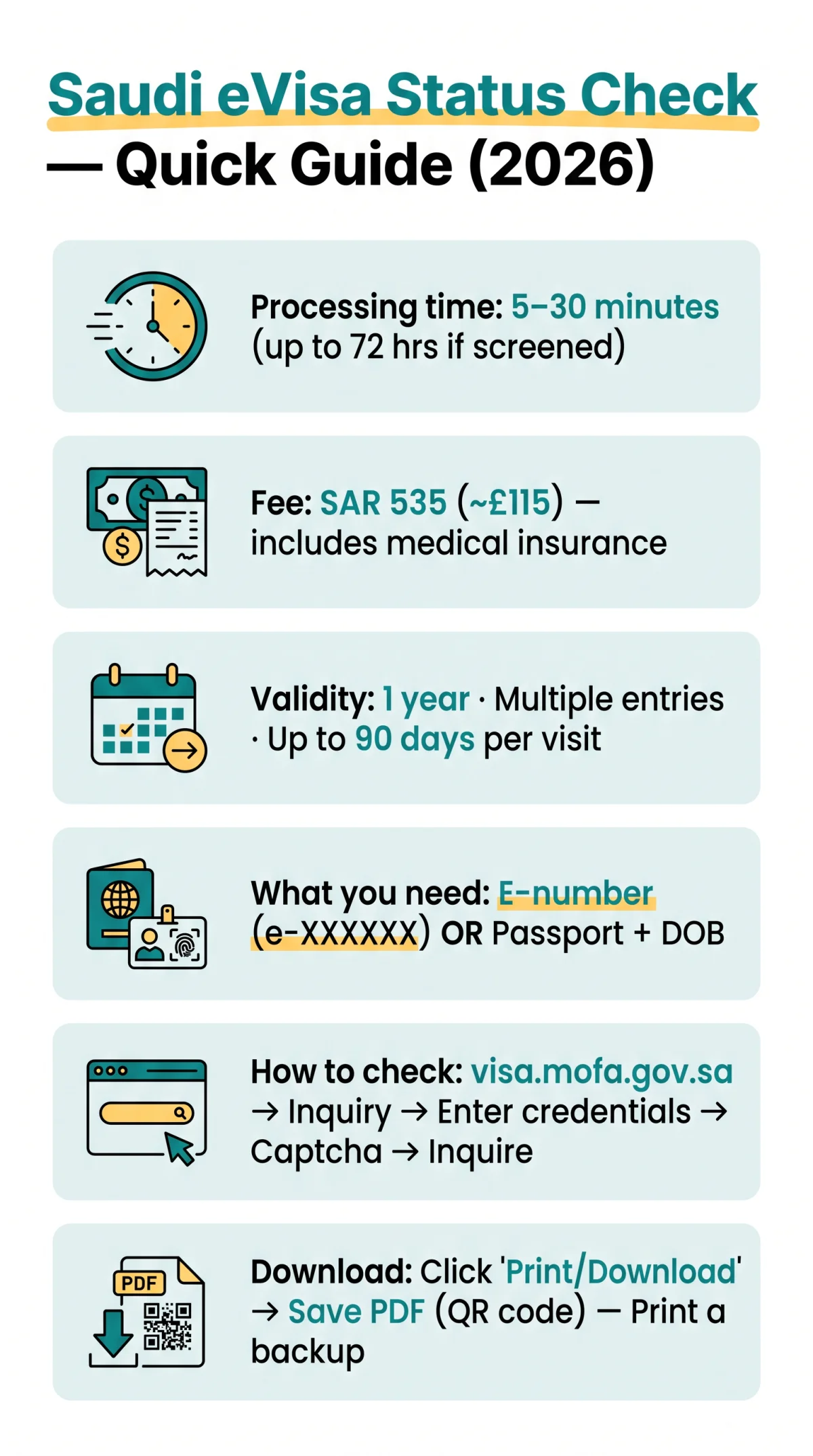
UK travellers can perform a Saudi eVisa status check and download the approval letter at visa.mofa.gov.sa using an application reference number or passport number. Most Saudi tourist eVisas are approved within 5-30 minutes. The Saudi eVisa costs SAR 535 (~£115) for multiple entries up to 90 days per visit over a one-year validity.
Use the MOFA enquiry service to confirm approval and download the letter.
What Is a Saudi eVisa?
The Saudi tourist eVisa is a one-year, multiple-entry electronic visa available to UK nationals and 66 eligible countries. The Saudi eVisa grants stays of up to 90 days per visit over a 365-day validity period, permits tourism, Umrah (excluding Hajj season), and business visits, and prohibits studying. The government fee is SAR 535 (~£115), including mandatory medical insurance, and standard processing takes 5-30 minutes, extending to 72 hours for applications requiring additional screening. The application process involves 3 steps: fill the application, pay the fee, and get your visa. eVisa applicants generally do not need biometric appointments, which apply only to traditional visa processing.
Which Portal to Use and What You Need Before Checking
Use visa.mofa.gov.sa (MOFA) to track and download the approval letter; use only to submit new applications. The MOFA platform, operated by the Ministry of Foreign Affairs of the Kingdom of Saudi Arabia, runs in beta version (النسخة التجريبية) with Arabic default and English option, and holds Digital Government Authority Registration Number 20230911524.
| Portal | URL | Purpose | Login Method |
|---|---|---|---|
| MOFA Visa Platform | visa.mofa.gov.sa | Status tracking & approval letter download | Query-based (no account) |
| Visit Saudi eVisa Portal | New application submission | Sign In account |
Before performing a Saudi eVisa status check, prepare one of two credential sets: your application reference number in E-number format (e.g., e-XXXXXX), received via email after submission, or your passport number combined with your date of birth. The MOFA enquiry is query-based, so no account creation is required. Estimated lookup time: under 2 minutes.
How to Check Your Saudi eVisa Application Status Online: Step by Step
Visit visa.mofa.gov.sa, click “Inquiry about submitted applications” (الاستعلام عن الطلبات التي تم تقديمها), enter your application reference number (e-XXXXXX), solve the image captcha (رمز الصورة), and click “Inquire” (استعلام) to see real-time Saudi eVisa status.
Navigate to visa.mofa.gov.sa in your browser.
visa.mofa.gov.sa
Toggle to English
Use the top navigation bar if the page loads in Arabic.
Click “Inquiry about submitted applications”
(الاستعلام عن الطلبات التي تم تقديمها)
Choose your inquiry method
Application reference number (E-number format, e.g., e-XXXXXX) or passport number plus date of birth.
Enter your credentials
Fill in the corresponding fields, ensuring no extra spaces.
Complete the image captcha
(رمز الصورة)
Click the “Inquire” button
(استعلام)
Understanding Your Saudi eVisa Status Labels
| Status (English) | Status (Arabic) | Meaning | Expected Duration | Next Step |
|---|---|---|---|---|
| Application Received | تم استلام الطلب | Submitted, awaiting review | 1-24 hours | Wait; check later |
| Under Process | قيد المعالجة | Under active review by MOFA | 1-72 hours | No action required |
| Sent to Embassy | تم إرساله إلى السفارة | Forwarded for verification | 3-10 business days | Contact embassy if >10 days |
| Ready for Issuance | جاهز للإصدار | Approved, awaiting processing | 1-24 hours | Check again soon |
| Approved | تمت الموافقة | Visa granted; letter ready | Immediate | Download approval letter |
| Rejected | مرفوض | Application denied | Immediate | Check email; reapply if eligible |
How to Download Your Saudi eVisa Approval Letter and Verify It at the Airport
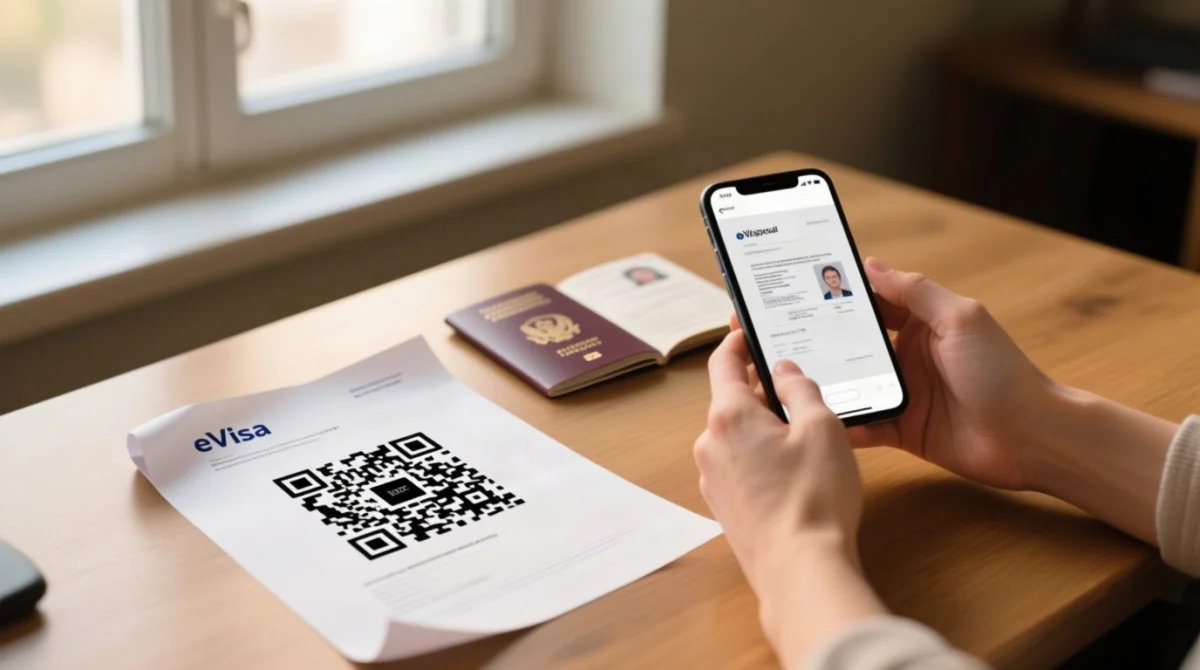
Once your Saudi eVisa status shows “Approved,” click “Print/Download” on the MOFA results page at visa.mofa.gov.sa to save the PDF approval letter, which includes a scannable QR code. The Saudi eVisa is valid at all international airports and land borders in Saudi Arabia.
Confirm
Check that the status reads “Approved” (تمت الموافقة).
Locate
Find the “Print/Download” button (طباعة) on the results screen.
Click
Open the approval letter as a PDF in your browser.
Save
Save the PDF using Ctrl+S, Cmd+S, or the browser download function.
Print
Print a hard copy as backup for airport immigration checks.
Immigration scans the QR code; a printed copy is recommended as backup. Ensure the name on the eVisa matches your passport exactly. Re-download the approval letter from the MOFA portal at no extra cost.
Troubleshooting: Problems, Delays, and Rejection
The most common Saudi eVisa status check error, “No Record Found,” is usually caused by missing the “e-” prefix in the application number or entering extra spaces.
| Problem | Cause | Solution |
|---|---|---|
| “No Record Found” | Missing “e-” prefix, wrong passport number, or extra spaces | Re-check credentials; remove spaces; verify “e-” prefix |
| Lost application reference | Email not received or deleted | Use passport number + date of birth; check spam folder |
| Approval letter not downloading | Pop-up blocker or browser issue | Try Chrome, disable pop-up blocker, use incognito mode |
| Captcha not loading | JavaScript disabled or VPN active | Refresh, ensure JavaScript is enabled, disable VPN |
| QR code not scanning | Low print quality or browser issue | Re-download PDF; ensure high print quality |
If delayed: 1-3 business days is normal; 3-5 days requires daily monitoring; 5+ days means contact MOFA support; 10+ days warrants escalating to the nearest embassy. If rejected, check your email for the specific reason; common causes include document mismatches or prior visa violations. Reapplication is possible after addressing the stated reason.
Getting Help: Saudi eVisa Support for UK Travellers
UK travellers can contact MOFA support via the Help (مساعدة) feature on visa.mofa.gov.sa, or the Saudi Embassy consular section at 30 Charles Street, London W1J 5DZ. The Visit Saudi helpline and online chat are available via. Online form responses typically take 2-5 business days; embassy phone lines have limited hours. Have your application reference number and passport details ready when contacting support. For non-eligible nationalities residing in the UK, contact the nearest Saudi Arabia Embassy.
For biometric-related queries (traditional visa, not eVisa), contact the Saudi Visa Application Centre next to Marylebone station, London, by appointment only.
FAQ: Saudi eVisa Status Check
How do I check if my Saudi eVisa is ready?
Go to visa.mofa.gov.sa, click “Inquiry about submitted applications,” enter your reference or passport number, complete the captcha, and click “Inquire.” If the status shows “Approved,” your Saudi eVisa is ready for download.
How long does it take for a Saudi eVisa to be approved?
Most UK applications are processed within 5 to 30 minutes. In rare cases involving additional screening, it may take up to 72 hours. Embassy-forwarded applications may take 3 to 10 business days.
Can I check my Saudi eVisa status with just my passport number?
Yes. The MOFA enquiry portal allows you to search by passport number combined with your date of birth if you do not have your application reference number.
What does ‘Under Process’ mean for my Saudi eVisa?
“Under Process” (قيد المعالجة) means your application is actively being reviewed by MOFA staff. No action is required; check again in 24 to 48 hours.
How do I download my Saudi eVisa approval letter as a PDF?
After confirming “Approved” status on the MOFA portal, click “Print/Download” on the results page. The approval letter opens as a PDF; save it and print a hard copy for travel.
What should I do if my Saudi eVisa application is rejected?
Check your email for a rejection notification. Common reasons include document mismatches or prior visa violations. You may reapply after addressing the stated reason. Contact the Saudi Embassy in London at 30 Charles Street, London W1J 5DZ for clarification.
Can I re-download my Saudi eVisa approval letter if I lost it?
Yes. Re-download at any time from the MOFA portal using the same enquiry process. No additional payment is required.
Do I need to print my Saudi eVisa approval letter or is a digital copy enough?
A digital copy on your phone is accepted, but print a hard copy to avoid issues if your phone battery dies or there is no mobile signal at the immigration counter.
Which portal should I use to track my Saudi eVisa: MOFA or Visit Saudi?
Use visa.mofa.gov.sa for status tracking and approval letter download. Use only for submitting a new application.